What Is a Harness? The Simplest Explanation of an AI Agent Harness
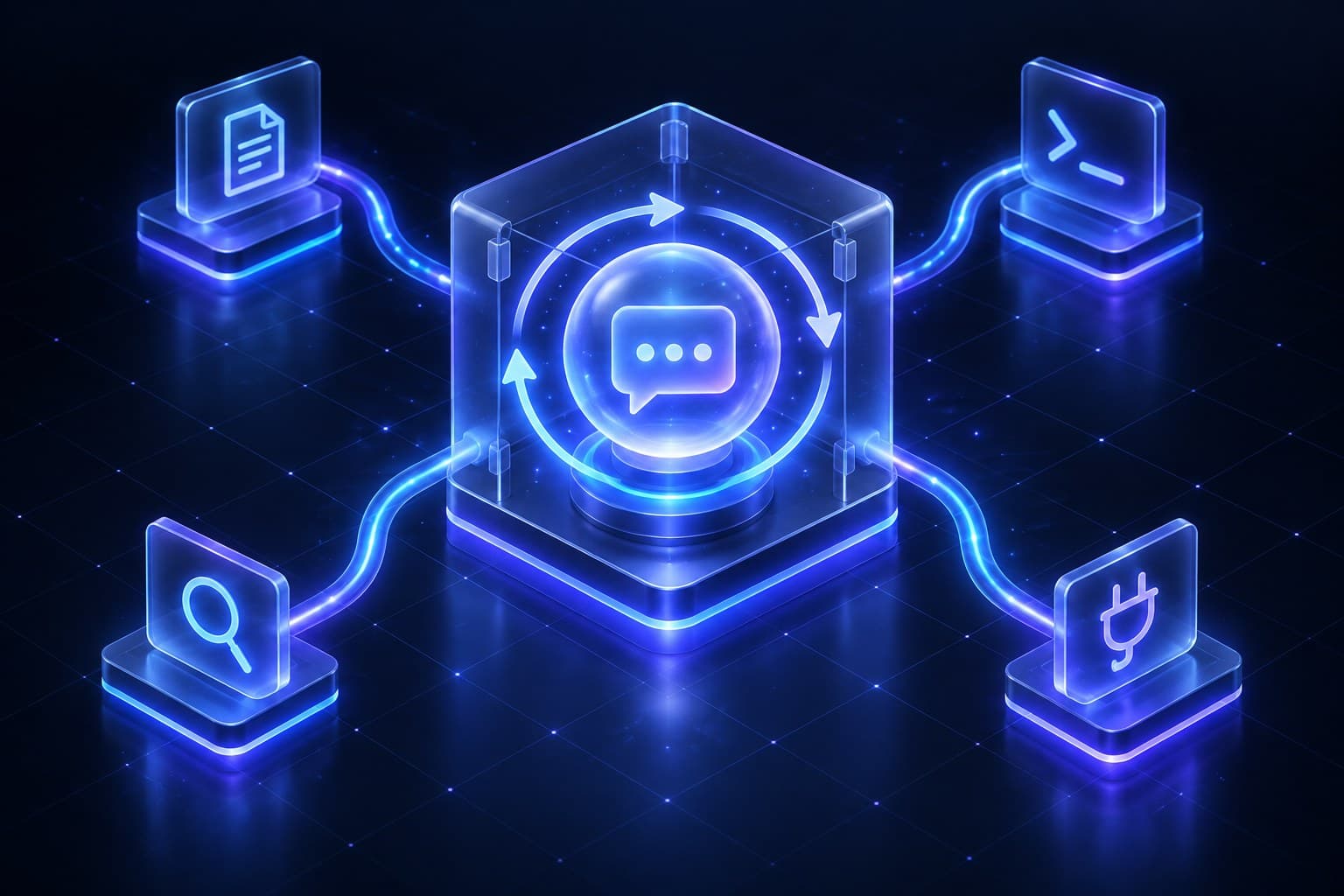

A harness is the software that wraps around an AI model so the model can do things, not just talk about them. The model writes a request like "read this file." The harness reads the file, hands the contents back to the model, and asks, "What next?" It repeats that until the job is finished.
That's the whole idea. The rest of this post explains it in plain language, one question at a time.
The short answer: An AI model can write, but it can't act. A harness is the program that carries out the actions the model asks for, reports back what happened, and keeps the back-and-forth going until the task is done. Model + harness = agent.
What is a harness in AI?
A harness is the software that lets an AI model use tools: it carries out what the model asks for, feeds back the results, and repeats.
If you remember one picture, make it this one. The model is a brilliant expert on a phone call. They can't see your screen or touch your desk. They can only talk. The harness is the assistant in the room holding the phone. The assistant tells the expert what's on the desk, does what the expert asks (unless it's off-limits or needs your OK first), reads the result back, and keeps going until the expert says "done."
The expert supplies the judgment. The assistant supplies the hands.
What can an AI model do on its own?
On its own, an AI model can only take in information and write a response.
A large language model (LLM) like Claude, GPT, or Gemini can read text, and often images or documents, and then write back. That's it. It doesn't open files, browse websites, send emails, or run software by itself.
Writing is still extremely useful. But a written answer can't change anything in the world. Something else has to act on it.
How do AI models use tools?
The model asks for a tool in writing, and the harness does the actual work.
Before the model starts, the harness gives it a menu of tools. Each tool has a name, a short description, and the details it needs. For example:
read_file: open a file and read it. Needs the file's name.run_command: type a command into the computer's terminal, the text window developers use to control a machine. Needs the command.search_web: search the internet. Needs a search phrase.
Modern models are trained to answer in a special structured format when they want a tool. Instead of a normal sentence, the model sends back something like this:
1{ "tool": "read_file", "input": { "path": "notes.txt" } }On its own, that request does nothing. It's the expert saying "open the top drawer" to an empty room.
The harness is the one in the room. It notices the request, opens notes.txt, and passes the contents back to the model as the next message. Now the model knows what the file says and can decide its next step.
How does an AI agent get its tools?
The harness gives them to it. A model can only use the tools on the menu the harness writes.
That menu is just configuration. A developer adds or removes an entry, and the model's options change on the very next request. What goes on the menu depends on the job. A coding agent might get a dozen tools for files and the terminal. A support agent for a business might get only three: "look up an order," "check opening hours," and "hand off to a person."
What does an AI harness do, step by step?
A harness runs a loop: ask the model, do what it requests, report back, and repeat until the model says it's finished.
In more detail:
- Set the scene. Send the model its instructions, the menu of tools, and the user's request.
- Ask the model. Get back either a final answer or one or more tool requests.
- Do the work. Carry out each tool request, after checking it's allowed.
- Report back. Add every result to the conversation.
- Repeat. Ask the model again with the updated conversation.
- Stop. End when the model gives a final answer, or when the harness hits a safety limit.
For developers, here is that loop as simplified code. (Not a developer? Skip it. The six steps above say the same thing.)
1const messages = [{ role: "user", content: task }];
2
3while (true) {
4  const reply = await model.generate({ instructions, tools, messages });
5  messages.push(reply);
6
7  // No tool requests means the model is done. (Real code also checks why it stopped.)
8  if (reply.toolCalls.length === 0) return reply.text;
9
10  // A reply can ask for several tools at once. Run each and return every result.
11  for (const call of reply.toolCalls) {
12    const result = await runTool(call);
13    messages.push({ role: "tool", toolCallId: call.id, content: result });
14  }
15}
That's a working harness in miniature. Real ones add step limits, permission checks, and error handling around it, but the core is this loop.
What are the parts of an agent harness?
An agent harness is the loop plus instructions, a tool menu, memory, permissions, and safety limits. Here is what each part does:
| Part | What it means in plain terms |
|---|---|
| Instructions | The standing orders the model gets every time, often called the system prompt |
| Tool menu | The list of tools, described well enough that the model picks the right one |
| Tool runner | The code that actually opens files, runs commands, searches, or talks to other software |
| Memory | Deciding what earlier conversation to resend, and saving notes it can reload in later sessions |
| Permissions | Asking a person before risky actions, like deleting files or sending money |
| Safe workspace | Running tools in a walled-off space (a sandbox) so mistakes do less damage |
| Error handling | Telling the model when a tool failed, so it can try another way |
| Limits | Capping steps, time, or cost so a confused agent can't run forever |
| Activity log | Recording every request and result so people can see what happened and why |
The harness is in charge of all of these. Sometimes it asks the model to help, for example by having the model write a short summary of a long conversation. But the harness decides when and how.
Does the model remember what happened in earlier steps?
Usually not. The harness does the remembering.
A model doesn't keep a diary between requests. In most setups, it only "remembers" step one during step five because the harness sends the relevant conversation again each time, including every tool request and result. (Some AI services can store that history for you, but something outside the model is still holding it.)
Memory across separate sessions works the same way. If an agent "remembers" you next week, it's because the harness saved notes and fed them back in.
This is also why long agent sessions need trimming. A model can only read so much at once, a limit called its context window. Deciding what to keep, what to summarize, and what to drop is one of the most important and least visible jobs a harness has.
What's the difference between a model, a harness, an interface, and an agent?
A model thinks, a harness acts, an interface is what you see, and an agent is a model and a harness working together.
| Piece | What it is | In the phone-call picture |
|---|---|---|
| Model | The AI that reads and writes | The expert on the phone |
| Harness | The loop that carries out requests and reports back | The assistant in the room doing the work |
| Interface | The chat window, app, or terminal a person uses | The window you watch the room through |
| Agent | A model and a harness working together on a task | The expert and the assistant as a team |
Take away the harness and the model can only give advice. Take away the model and the harness has a to-do list with nobody to write it. You need both for an agent.
The interface is optional. Plenty of agents run on a schedule or inside other software with no screen at all.
Is ChatGPT a harness?
ChatGPT isn't just a harness. It's an app that includes one.
When ChatGPT searches the web or analyzes a spreadsheet for you, the GPT model decides what to do, and a harness on OpenAI's servers carries it out. The chat window you type into is the interface. Model, harness, and interface are packaged together, so most people never notice they're separate pieces.
Is Claude Code a harness?
Not exactly. Claude Code includes a harness, plus an interface on top.
The part you look at is the interface: a terminal view, a desktop window, or an editor panel. Underneath is the harness that runs the loop. Anthropic offers that same harness to developers as the Claude Agent SDK, so other products can build on it without using Claude Code's screens. Coding tools like Codex and Cursor are packaged the same way, an interface on the outside and a harness inside.
A quick way to tell the two apart: the interface is everything you could redesign without changing what the agent is able to do. The harness is the part that decides what it can do.
Does an AI agent run on my computer or in the cloud?
The model almost always runs in the cloud. The harness runs wherever the product puts it.
With a coding tool like Claude Code on your laptop, the harness runs on your laptop. (Cloud versions run it on a remote machine instead.) The model, on the provider's servers, sends a request like "edit this file," and the harness on your machine makes the edit. The model never touches your computer.
With a web app like ChatGPT, or a support agent on a business's website, the harness usually runs on the company's servers instead.
There's one twist. AI companies also offer a few ready-made tools, like web search, that they run on their own servers. When an app uses one of those, that small piece of the work happens at the AI company instead of in the app.
What is MCP, and how does it connect to a harness?
MCP, the Model Context Protocol, is a shared standard for connecting outside tools and data to a harness.
Before a standard existed, each tool had to be wired into each harness separately. MCP lets a company package its tools once, as an "MCP server" (a small program that offers tools), and any harness that speaks MCP can use them. The people who created MCP describe it as a USB-C port for AI: one common plug instead of a different cable for every device.
Some MCP servers run in the cloud and need only a web address and a login. Others are small programs that run on your own computer. Either way, the harness connects, asks what tools are available, and adds them to the model's menu. MCP is often used to give agents access to business systems like a CRM, a help desk, or an internal wiki.
The model doesn't need to know any of this. It sees one menu, whether a tool came built in or arrived through MCP. Every extra tool does make that menu longer, though, so good setups connect only what the agent needs. For more detail, read our guide to the Model Context Protocol.
Is it safe to let an AI agent use tools?
It can be, if the harness checks requests, blocks what's off-limits, and asks a person before risky steps.
A well-built harness reviews each request before acting. It refuses some actions outright, asks for approval on others, and runs risky work in a walled-off space.
There's a catch it can't fully solve. A web page, email, or support ticket can contain hidden text written to trick the model ("ignore your instructions and..."). This is called prompt injection, and nobody can reliably prevent it yet. So a good harness plans for it: it gives the agent only the access it needs and keeps a person in the loop for anything that matters. If the agent does get fooled, it can't do much harm. That's another reason the harness matters as much as the model.
Why does the same model work better in some apps than others?
Because the harness shapes almost everything the model sees and can do.
Two products can use the exact same model and still perform very differently. One might have clearer tool descriptions, smarter ways of shortening long conversations, more helpful error messages, or safer defaults. The model can only work with the information and tools the harness hands it.
That's why agent benchmarks often score a specific model in a specific harness, not the model alone. It's also why builders now treat "harness engineering" as its own skill.
How hard is it to build an agent harness?
A basic one is surprisingly small. A good one is a lot of work.
The core loop fits on a screen. The effort goes into everything a production agent needs: reliable tools, sensible permissions, safe workspaces, recovery when something breaks, memory management, cost limits, and activity logs people can review. Most teams start from an existing harness or agent framework and customize the instructions and tools, rather than writing every piece themselves.
What's the difference between a coding agent and a customer support agent?
Their setup, not their engine. Both can run almost the same loop on the same model.
A coding agent gets access to files and the terminal, and fairly relaxed approval rules. A support agent gets order lookups, a refund tool that needs staff sign-off, and instructions about tone and when to bring in a person. Same kind of loop, very different job.
What's the difference between a harness and an agent framework or SDK?
A framework or SDK is a toolkit for building agents, and many include a ready-made harness.
The Claude Agent SDK, for example, packages the harness behind Claude Code so developers can reuse it. Vercel's eve framework ships a default harness that teams can customize. A framework gives you the parts; the harness is the running loop you end up with.
Why is it called a harness in AI?
The word most likely comes from "test harness," programmers' long-standing name for code that wraps around a program to run it and check the results.
AI researchers already used "evaluation harness" for code that runs a model through benchmark questions. The everyday meaning fits too: a harness is what connects a strong animal to a cart and lets someone steer. An agent harness connects a model's reasoning to real tools and gives people a way to guide and limit it.
Is an agent harness the same as a test harness?
No. They share a name but do different jobs.
A test harness runs a program's automated tests. An evaluation harness scores a model on benchmark questions. An agent harness runs the loop that lets a model use tools to finish real tasks. In AI conversations today, "the harness" usually means the agent harness.
What does a harness mean for businesses using AI agents?
When you choose an AI agent for your business, you're choosing a harness as much as a model.
The model decides how well the agent understands and writes. The harness decides what the agent can do, what it remembers, when it asks for help, what it must never touch, and whether you can see what happened afterward. For customer-facing work, those choices often matter more than which model is underneath.
Agent One is built around that idea. When you set up an agent, you're mostly configuring its harness: the instructions it follows, the knowledge it can look up, the tools and integrations it can use, the channels it answers on, and the moments it must hand a conversation to your team. Under the hood, our newest runtime uses Vercel's open-source eve framework, which lets a conversation pause while your team approves something and then pick back up. You can read why in our eve write-up.
If you're deciding what your first agent should handle, start with what an AI front desk does and what it should escalate to a human. When you're ready, build your first agent in Agent One.
Frequently asked questions about AI harnesses
What is an agent harness?
"Agent harness" is the full name for an AI harness. It's every part of an AI agent except the model: the loop, the tools, the instructions, memory handling, permissions, and safety limits.
What is the difference between an LLM and a harness?
An LLM reads and writes. A harness turns the LLM's requests into real actions, like opening a file or searching the web, and feeds the results back.
Is a harness the same as an AI wrapper?
Not quite. "Wrapper" usually means any app built on top of someone else's AI model, and many simple wrappers just pass messages back and forth. A harness is the specific loop that lets a model use tools and take actions.
Is MCP a harness?
No. MCP is a standard for plugging outside tools and data into a harness. The harness connects to MCP servers, collects their tools, and offers them to the model.
Can an AI agent be tricked?
Yes, even a well-built one. Web pages, emails, and documents can hide instructions meant to hijack the model, a trick called prompt injection. Good harnesses limit what a tricked agent can do and require approval for risky actions.
Do I need to build my own harness?
Usually not. Most businesses use a product or framework that already includes a harness, then customize the instructions, knowledge, tools, and approval rules for their own work.