AI Agent Pages vs Chatbot Widgets
Category Comparison
A widget answers inside a page. An agent page becomes the page.
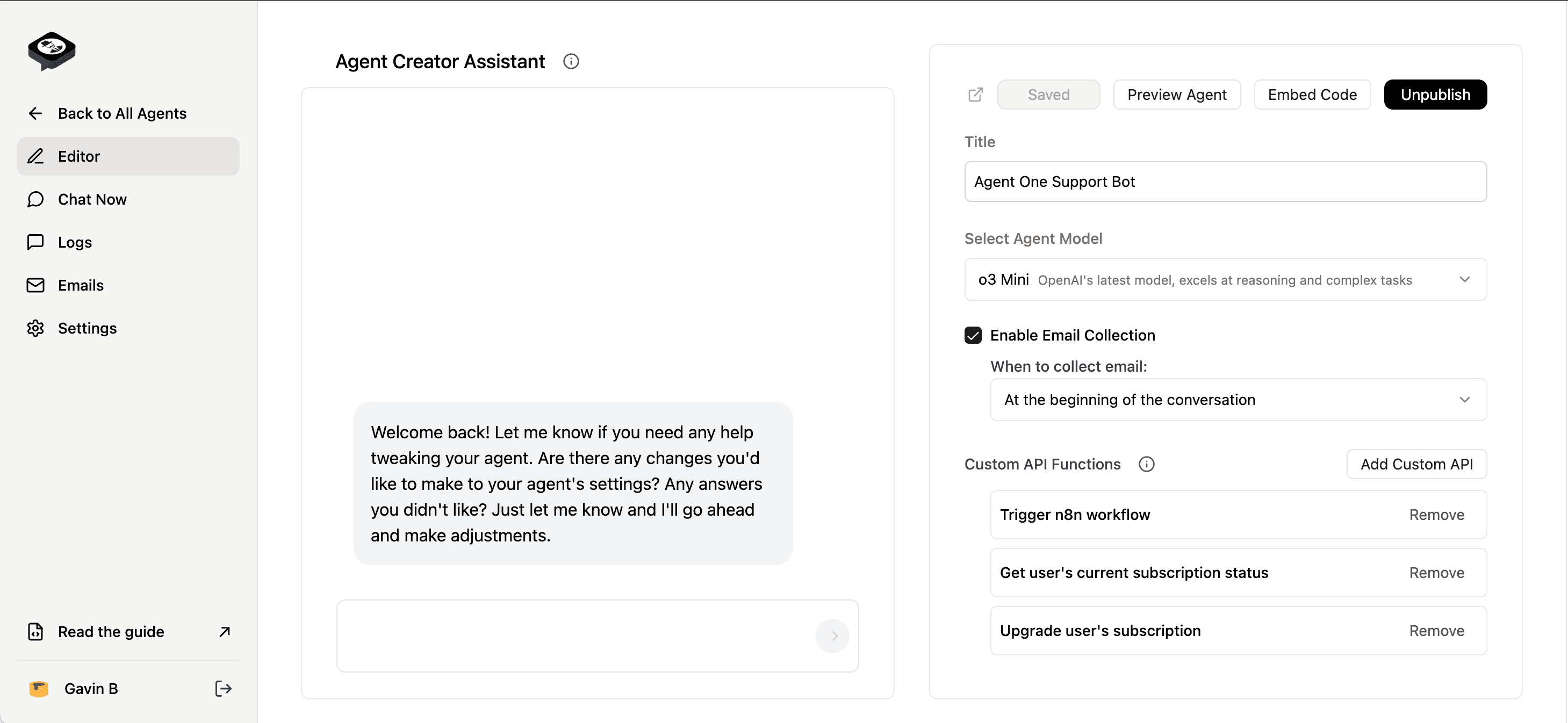
Use Agent One when the AI experience needs its own URL, custom domain, lead capture, analytics, and agency-ready reporting.
Read the category guide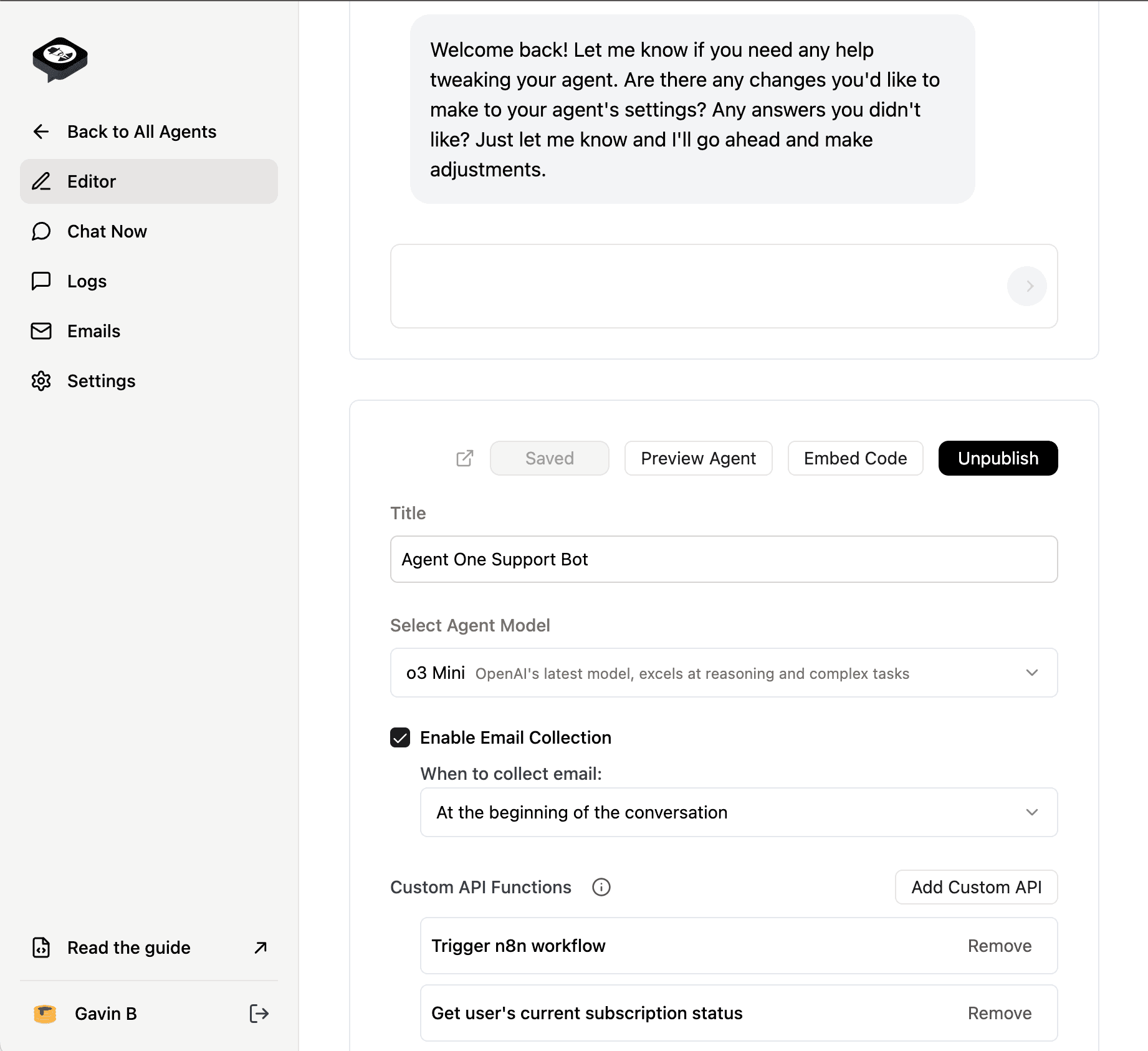
Quick Verdict
Chatbot widgets are useful when you need a support box embedded on an existing page. AI agent pages are better when you need a public, shareable, measurable surface that can answer questions, capture leads, rank, and reveal content gaps.
Why choose agent pages over widget-only tools?
Public URLs
Agent pages can be shared, linked, reviewed, and used as client-facing deliverables. Widgets usually disappear inside another page.
Search Visibility
Paid, published agent pages are intended to be indexable ranking assets. Widget-only experiences do not create the same search surface.
Lead Capture Context
Agent pages can be designed around one buyer workflow with fields, handoff rules, and content tailored to that intent.
Agency Retainers
A page is easier for clients to see, approve, and measure than a hidden widget. That makes it easier to package as a recurring service.
Content Feedback Loop
Conversation analytics show what visitors asked, where answers were weak, and which page should be improved next.
Custom Domains
Agent One supports branded destinations for client or business campaigns instead of forcing every experience into a generic widget frame.
Embeds Still Available
You do not lose widgets. Agent One supports hosted pages and embedded widgets, so teams can use both when the workflow calls for it.
Paid Proof-Candidate Layer
Free and draft pages should not become canonical ranking assets. Agent One treats paid, published pages as the proof-candidate layer until crawlable public proof is manually approved.
Feature Breakdown
| Decision Point | Agent One AI Agent Pages | Traditional Chatbot Widgets |
|---|---|---|
| Public URL | Yes, hosted page or custom domain | Usually no, embedded inside another page |
| Search potential | Designed for paid, published pages to be indexable | Usually invisible to search as standalone content |
| Agency deliverable | Client can see, share, approve, and measure the page | Client sees a widget configuration, not a standalone asset |
| Lead capture | Workflow-specific fields and routing | Often generic form or support handoff |
| Content improvement loop | Questions become content gaps, prompt updates, and next-page ideas | Often optimized for deflection, not marketing learning |
| Best use case | Agent-as-marketing, campaign pages, agency retainers, public proof | Embedded support, quick answers, existing website assistance |
| Can coexist | Yes, Agent One supports hosted pages and widgets | Usually widget-first |
Why choose Agent One?
- Create a public agent-as-marketing page instead of only embedding a chat box
- Use custom domains, lead capture, and analytics for client-ready campaigns
- Turn visitor questions into content updates and monthly agency reports
- Keep embedded widgets available for pages where a widget is the right fit
- Build a paid, published proof-candidate layer instead of indexing free or draft pages
Considerations
- !A standalone agent page needs clearer positioning and QA than a basic widget
- !Widget-only tools can be enough for simple support deflection
- !Teams still need good source content before an agent page can answer well
Everything a public agent page adds
Own the Page
Give the agent its own URL, metadata, content context, and conversion path.
Capture Better Leads
Ask for the fields that match the workflow instead of relying on a generic chat handoff.
Report the Gaps
Use visitor questions to improve content, prompts, routing, and the next agent page.
Keep Widgets
Embed when needed, but do not make the widget the whole strategy.
Frequently Asked Questions
Ready to build a public agent page?
Build an agent pageStart with one focused workflow, then publish when it is ready. Starter is $8/month after a 7-day trial. Cancel anytime.